
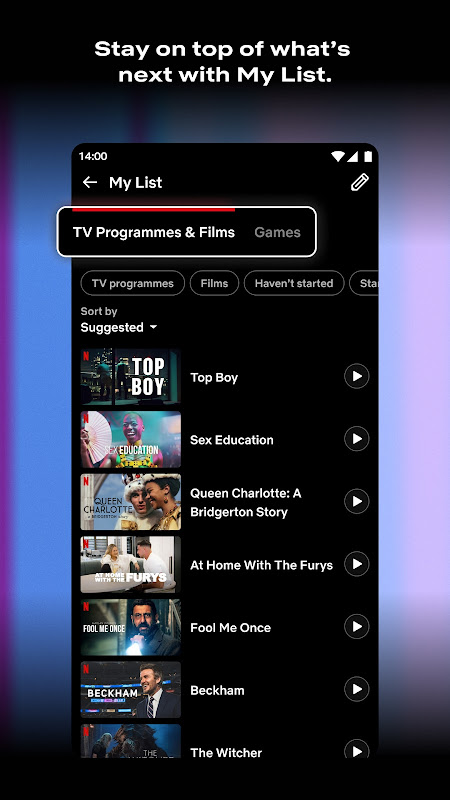
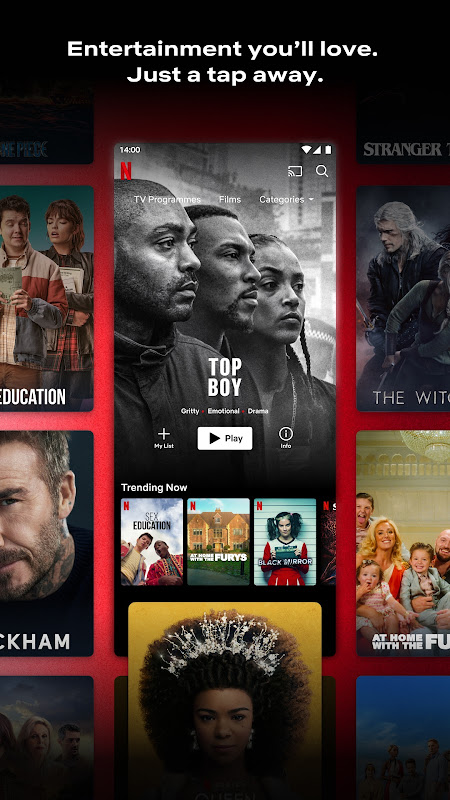
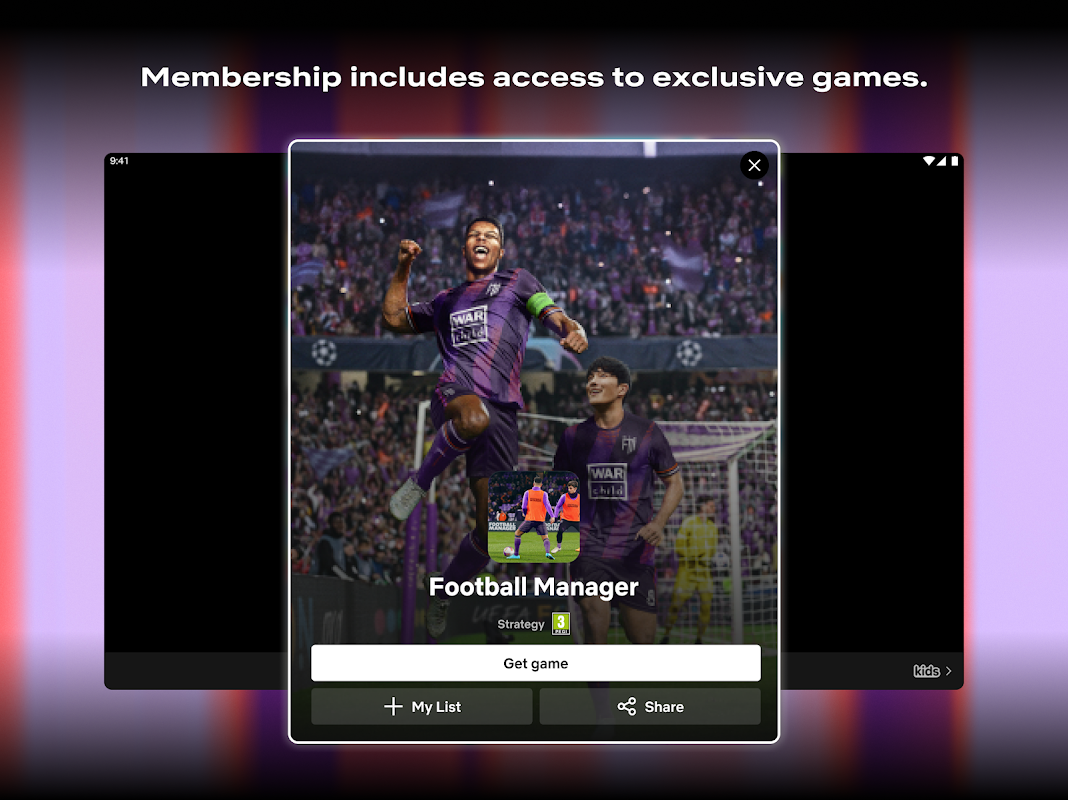
Stream endless entertainment directly on your Android device with the Netflix app, delivering premium streaming experiences to millions worldwide. This powerful application transforms smartphones and tablets into personal theaters, offering instant access to award-winning original series, blockbuster movies, and captivating documentaries. Designed for entertainment enthusiasts and casual viewers alike, it provides a seamless gateway to a vast, ever-expanding library of on-demand content.
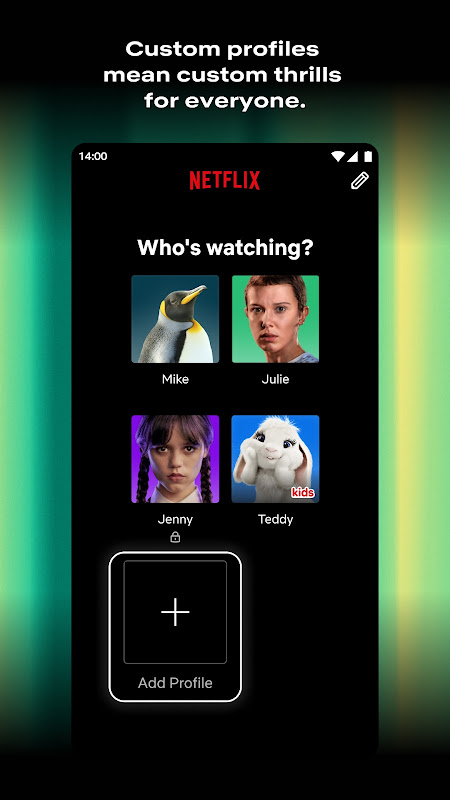
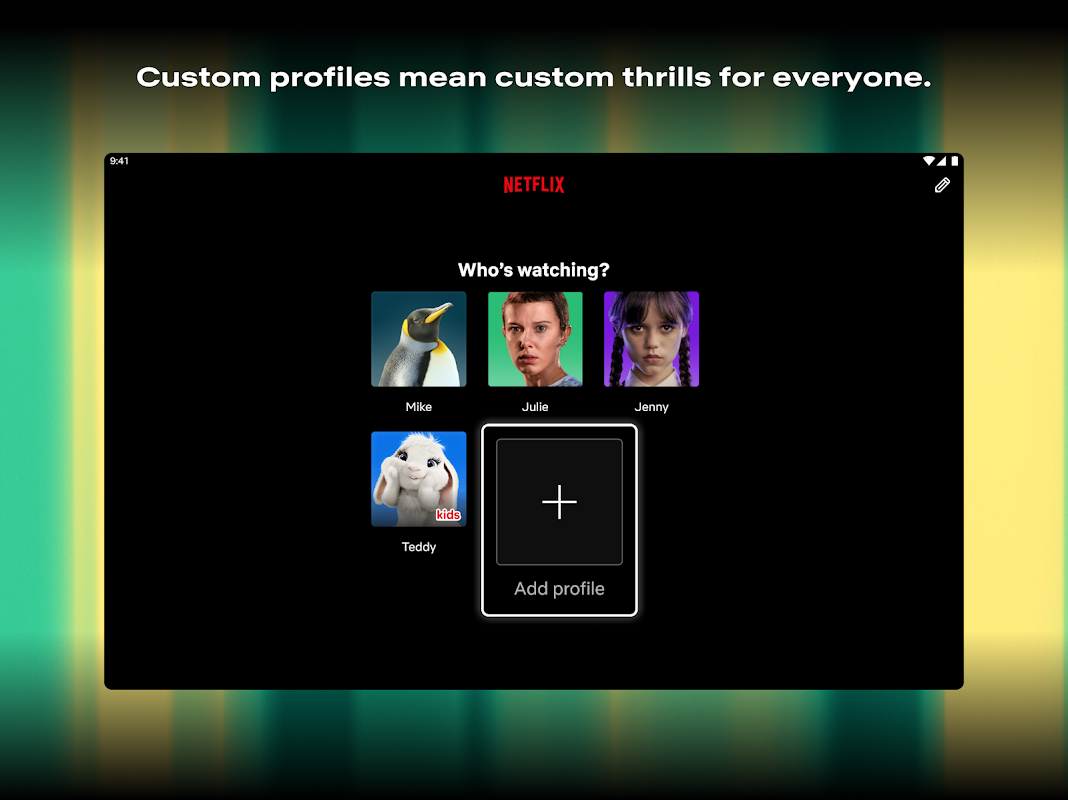
Personalized Profiles for Everyone
The app allows you to create up to five distinct profiles within a single account, tailoring the experience for different household members. Each profile develops its own unique recommendations based on individual viewing history and preferences. This ensures that your homepage reflects your personal tastes, making it easier to discover new favorite shows and films without sifting through irrelevant content.
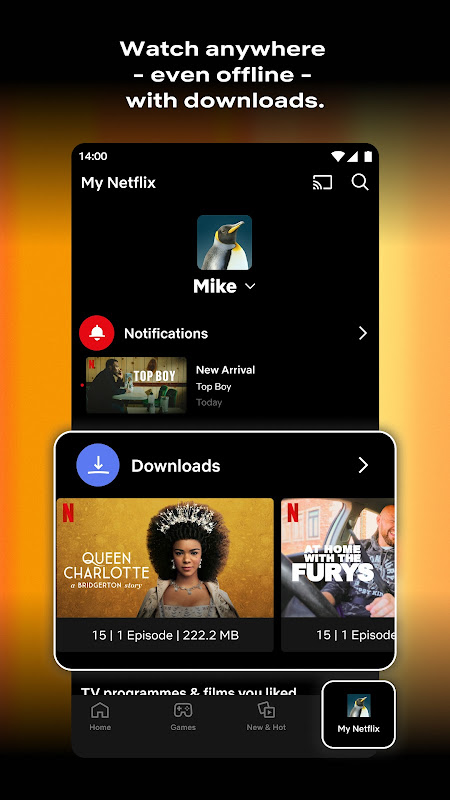
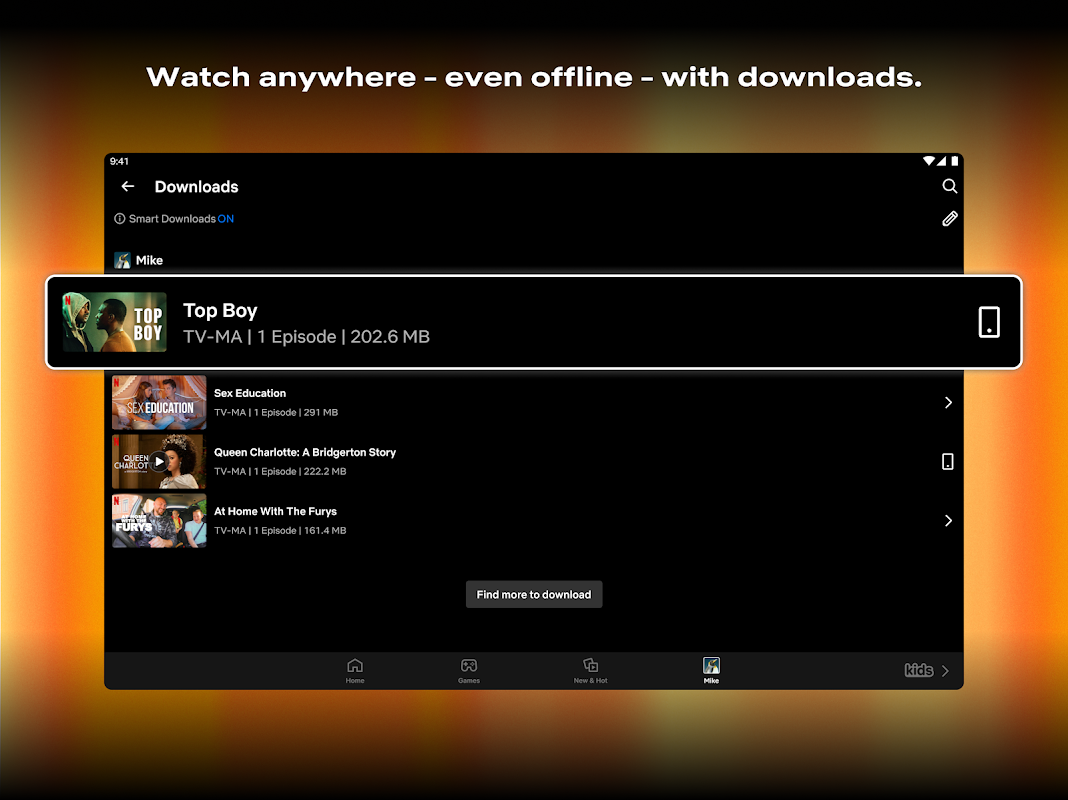
Seamless Offline Viewing Mode
You can download your favorite movies and TV show episodes directly to your Android device for offline enjoyment. This feature is perfect for long flights, commutes, or areas with unreliable internet connections. The downloads section conveniently organizes all your saved content, allowing you to manage storage and watch without any buffering or data usage concerns.
Intuitive Content Discovery
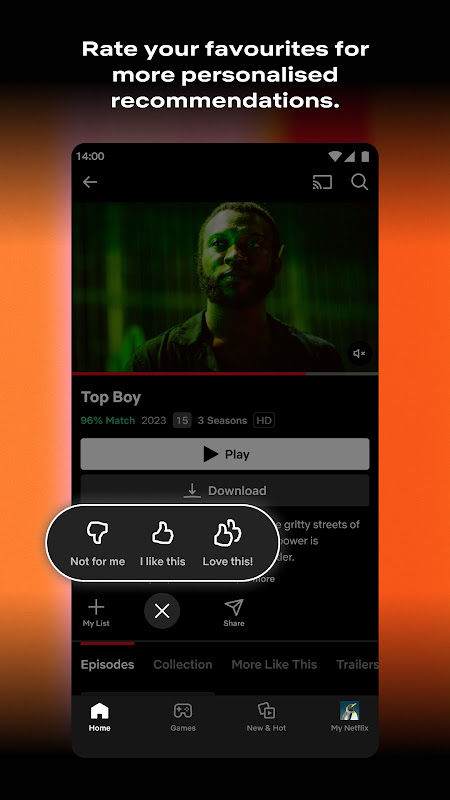
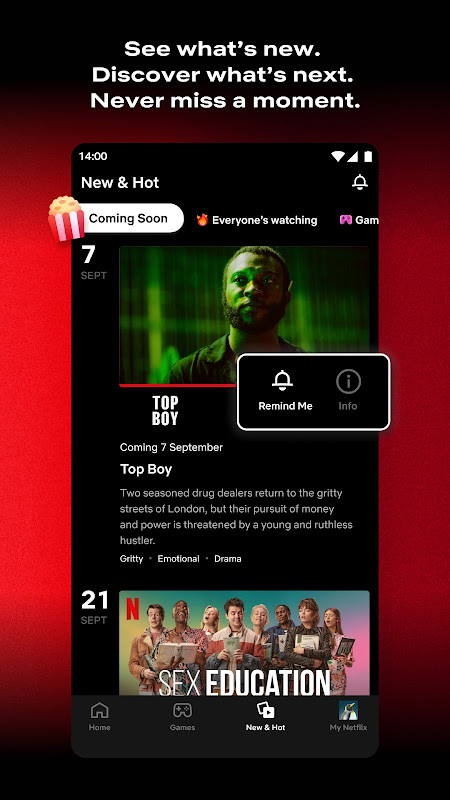
Netflix employs a sophisticated recommendation algorithm that suggests titles you are likely to enjoy. The more you watch, the smarter the suggestions become, surfacing hidden gems from across its extensive catalog. You can also search by genre, mood, or actor, and receive personalized notifications when new episodes of your favorite series are available.
Adaptive Streaming Quality
The application automatically adjusts video quality based on your internet connection speed to provide a smooth, uninterrupted viewing experience. It optimizes data usage for mobile networks while offering high-definition and 4K streaming where supported and when connected to Wi-Fi. This intelligent streaming ensures you get the best possible picture without constant manual adjustments.
Easy Parental Controls
Families can set up a dedicated Kids Profile with a simplified interface featuring age-appropriate content. PIN-protected parental controls allow you to restrict access to specific maturity ratings, ensuring a safe viewing environment for children. These profiles are filled with educational series, cartoons, and family movies curated specifically for younger audiences.
Frequently Asked Questions
The number of concurrent streams depends on your subscription plan. Basic allows one stream, Standard permits two, and Premium supports up to four devices watching at the same time on different screens.
Yes, Netflix offers extensive language support including interface translation, subtitles, and audio dubs for thousands of titles. You can set your preferred language in the app settings for a customized experience.
Content availability varies by geographical region due to licensing agreements. The catalog is regularly updated, with new titles added and others removed periodically based on these regional contracts.
While you can manage your account details, subscription cancellation for Android purchases made through Google Play must be processed via your Google Play Store subscription settings to ensure proper billing termination.